
Your day.
At a glance.
See how much of today has passed,
right in your Mac’s menu bar.
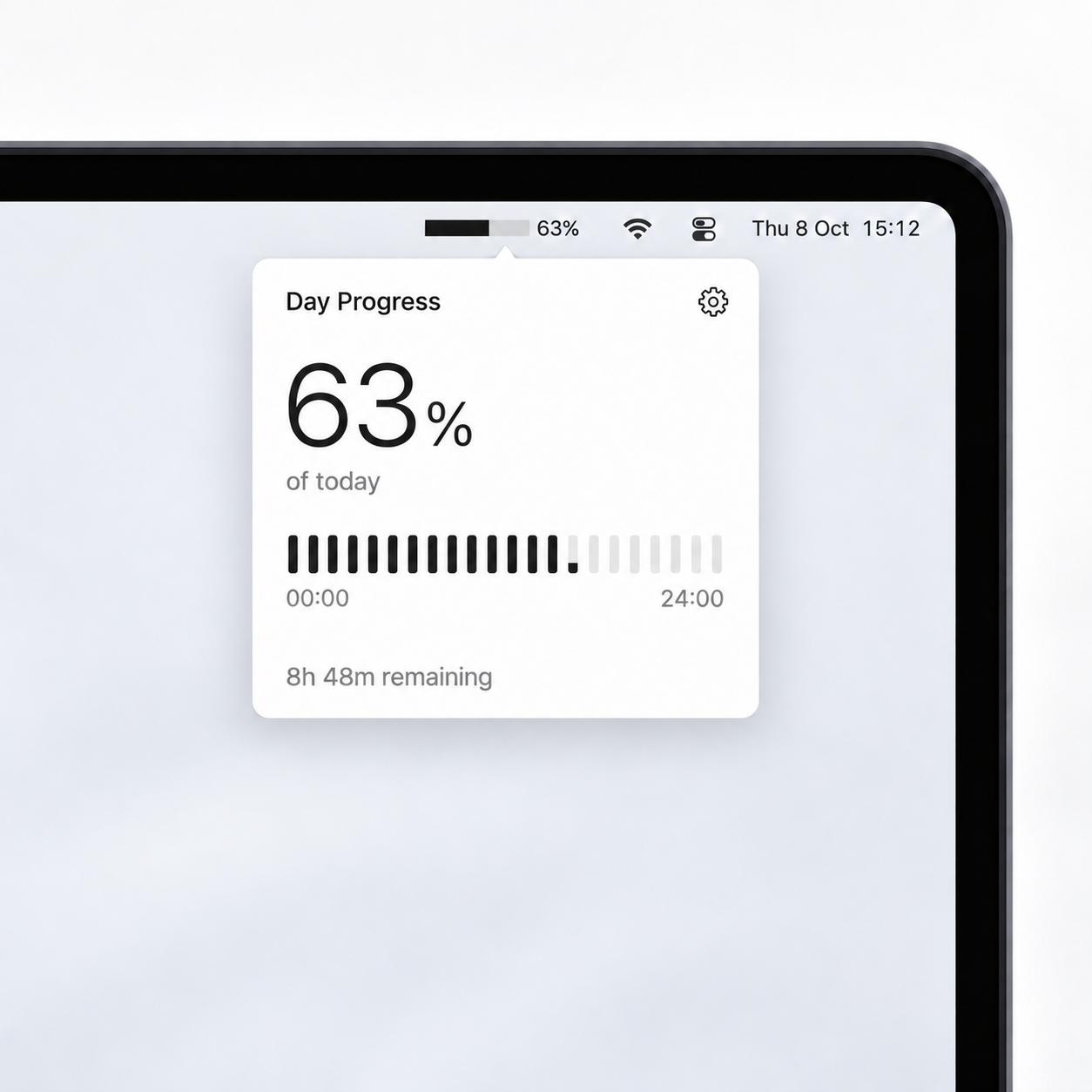
Every day gets a fresh start.
Updates automatically.
Starts again tomorrow.
Works offline.
No account. No connection needed.
Ready when you are.
Optional launch at login.
Feels at home.
Follows your Mac’s light or dark appearance.
A little app.
A little coffee?
The full app is free. If it makes your day a little better, you can support the work behind it.
A few small answers.
What does the percentage measure?
The fraction of your local calendar day that has elapsed, from midnight to the next midnight. It uses the actual day length, including daylight-saving changes.
Does it track what I’m doing?
No. It reads the time to calculate the day’s progress. It does not track your apps, activity, or usage, and it works fully offline.
Can I use just the bar?
Yes. Turn off Show percentage in Settings. The full percentage and remaining time stay available when you click the menu bar item.
Is Day Progress lightweight?
Yes. It’s a native Mac app, just 646KB. It works offline and updates roughly once a minute when its panel is closed.